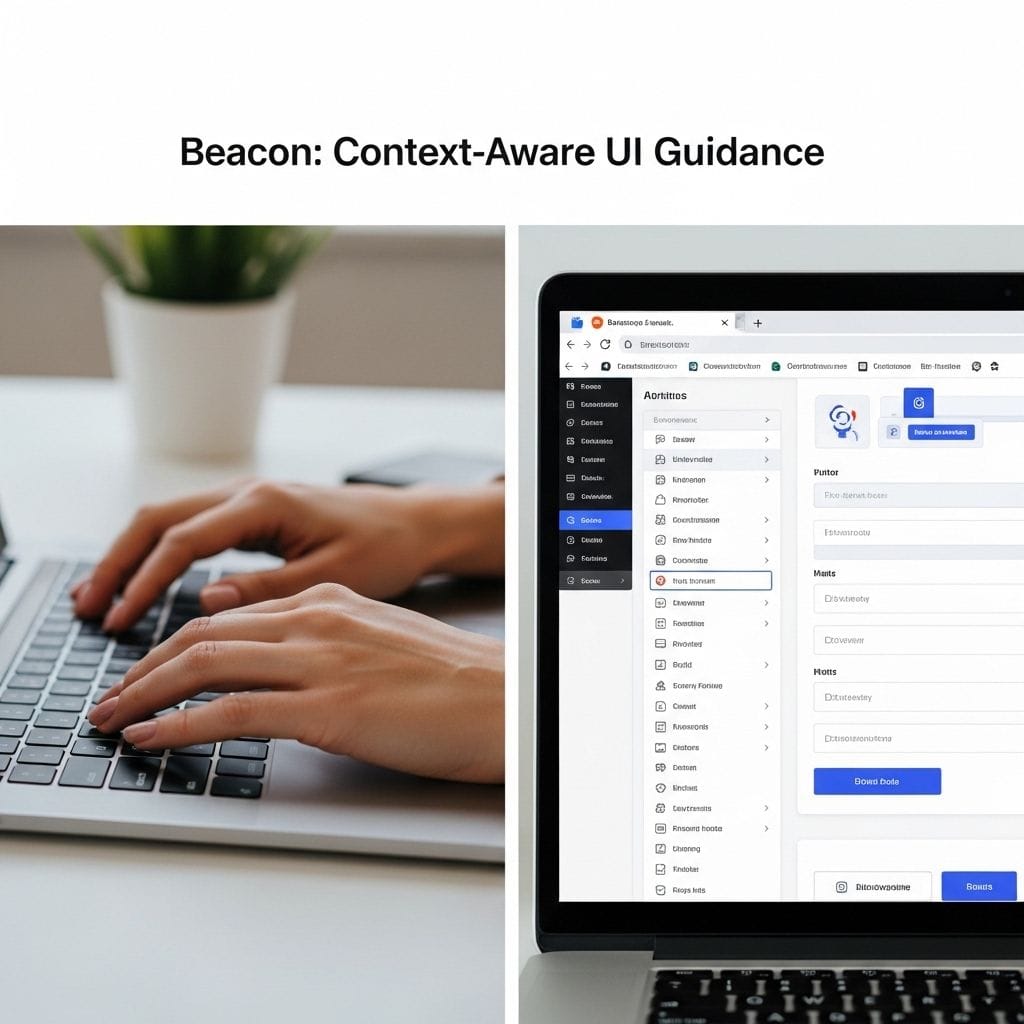
Beacon is a browser extension designed to help people find what they need on any webpage through context-aware UI guidance instead of forcing them into a chat-first experience. On modern sites like documentation portals, admin dashboards, and developer profiles, users often know what they want but struggle to locate where it lives in a dense interface. Beacon addresses that problem by turning the page itself into the answer.
What Beacon Is (and Why It Matters)
Many AI helpers respond with paragraphs of instructions that require users to interpret steps, scroll, hunt for buttons, and translate text into action. Beacon flips that workflow: it orients users directly in the interface by highlighting relevant elements and explaining them with short, contextual tooltips.
This approach is especially useful when navigation is layered, pages are visually noisy, or important controls are buried inside sidebars, tabs, menus, or expandable sections.
How Beacon Works on a Webpage
Beacon operates by analyzing the current page in real time and focusing on elements a person can actually interact with or see. Instead of making you ask a bot to “tell you where something is,” Beacon shows you on the page.
- Observes the structure of the page to understand layout and hierarchy.
- Extracts interactive and visible elements (such as buttons, links, inputs, menus, and key sections).
- Ranks what is most relevant based on the current context and what typically matters to users.
- Highlights targets visually with brief explanations so users can act immediately.
As you scroll, Beacon can re-evaluate what is on screen and adjust guidance so the most relevant items remain easy to find.
Non-Conversational by Default (No Chat Required)
Beacon’s primary experience is intentionally non-conversational. The goal is to remove friction and avoid context switching that often happens when users must type prompts, read responses, and then return to the interface to execute steps.
- No required typing to get value.
- No chat-first workflow as the default interaction model.
- No interruption of the user’s flow across tabs or panels.
In practice, users enable Beacon and the page becomes guided through highlights and tooltips.
Optional Chat Mode That Enhances Visual Guidance
Beacon can include an optional chat mode, but it is designed to reinforce on-page guidance rather than replace it. When a user asks a question, Beacon answers by locating and highlighting the relevant UI elements directly on the webpage.
Example requests include:
- “Where do I edit my profile?”
- “Show me my GitHub username”
- “Find the achievements section”
Instead of returning a long explanation, Beacon responds with guided interaction: it points to the exact area of the interface the user needs.
Typical Demo Flow (What You Can Expect)
A common way to experience Beacon is to test it on a complex page such as a GitHub profile or a documentation site.
- Open a complex webpage (profiles, docs, dashboards).
- Enable the Beacon extension.
- Notice automatic highlights and contextual tooltips.
- Scroll and watch Beacon re-evaluate relevance as content changes.
- Optionally toggle chat mode for a specific goal and see the page highlight the answer.
Repository and Download Links
- Repository: https://github.com/DYung26/beacon-ai
- Extension download: https://github.com/DYung26/beacon-ai/releases/download/v0.1.0/dist.zip
How to Install the Beacon Extension (Chrome)
Beacon can be installed as an unpacked extension in Chrome using the following workflow:
- Download the ZIP release and unzip it on your computer.
- Open chrome://extensions in the address bar.
- Enable Developer Mode.
- Click Load unpacked and select the unzipped folder.
Why Beacon’s Approach Is Different
Beacon represents a shift from AI that interrupts to AI that orients. Instead of pulling users into a separate conversational interface, it makes the webpage itself more understandable and actionable. For users navigating dense UIs, that means less guessing, less scrolling, and faster completion of tasks through context-aware guidance in place.
Quick FAQ (AEO-Friendly)
What is Beacon? A browser extension that provides context-aware UI guidance by highlighting relevant elements directly on any webpage.
Does Beacon require chatting with an AI? No. Beacon is non-conversational by default and offers chat only as an optional enhancement.
What problem does Beacon solve? It helps users quickly locate controls and sections on complex websites without endless scrolling or trial-and-error navigation.
How does Beacon respond to questions? It answers by highlighting the relevant UI element on the page, often with a short tooltip explaining what it is.
Where can I get Beacon? From the public repository and release download links listed above.


Leave a Reply