Introduction
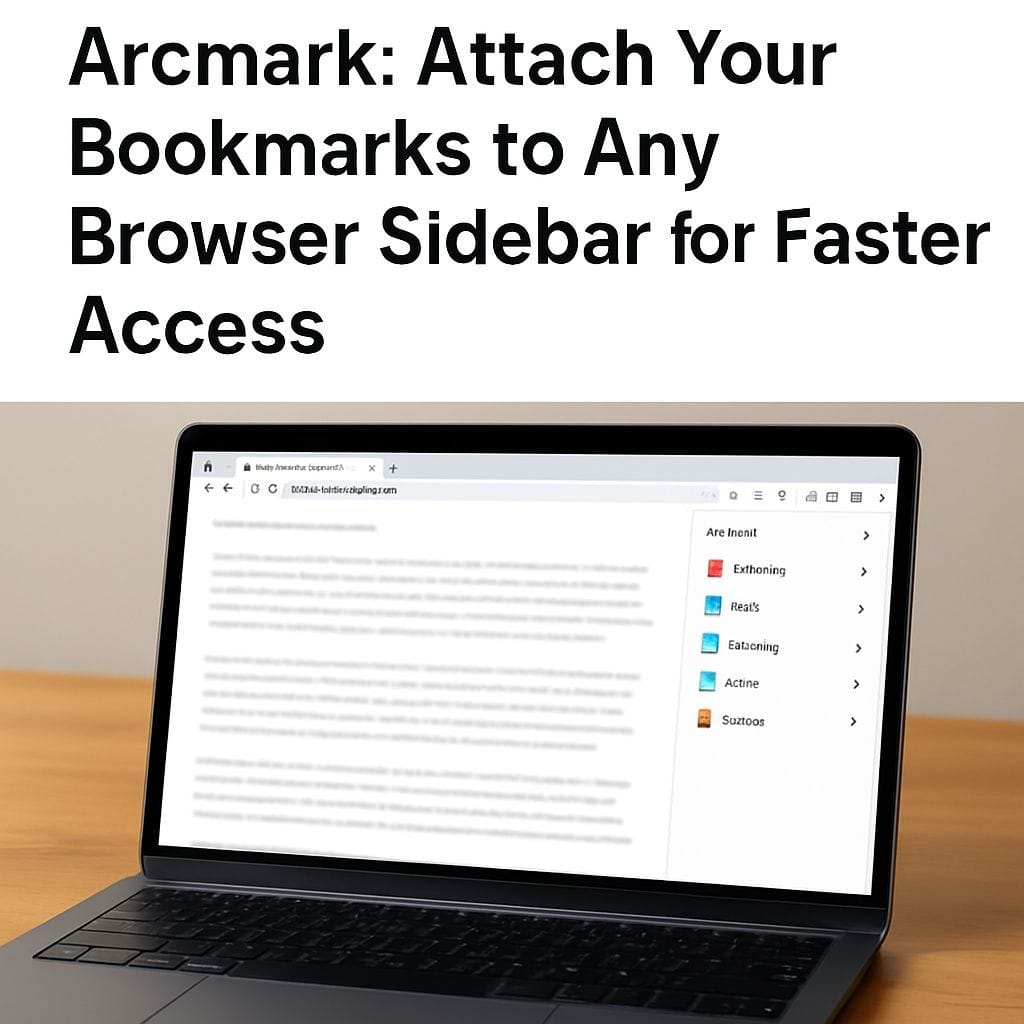
Arcmark is a lightweight bookmark tool designed to attach your bookmarks to any browser as a sidebar. It aims to make bookmark access faster and more intuitive by offering a persistent, easily reachable panel inside the browser window. Whether you work with many tabs, research across multiple sites, or maintain organized reading lists, Arcmark positions bookmarks where you can see them and act on them quickly.
Why a Bookmark Sidebar Matters
Many users struggle with buried bookmarks menus, scattered saved links, and slow retrieval when working online. A sidebar bookmark manager reduces friction by providing:
- Instant visibility of saved links without switching tabs or menus
- Faster navigation during research or content work
- Persistent organization that follows your browsing flow
Key Features to Expect from Arcmark
Arcmark focuses on core bookmark productivity. Typical features include:
- Sidebar attachment so your bookmarks live in a panel next to the page content
- Quick search to find saved links instantly by title, tag, or keyword
- Folders and tags for structured organization and rapid filtering
- Drag-and-drop support to rearrange bookmarks directly in the sidebar
- Keyboard shortcuts for power users to open, save, and navigate bookmarks fast
- Import and export options so you can migrate existing browser bookmarks or back up your collection
How Arcmark Works
Using Arcmark is intentionally simple. Install the extension or add-on, open the sidebar, and start adding bookmarks. The sidebar remains attached to the browser window so you can reference saved links while browsing. Many users will find the workflow mirrors using a bookmarks bar but with richer organization and search capabilities.
Installation and Setup
Basic setup steps generally include:
- Install the Arcmark extension for your browser
- Open the sidebar from the browser toolbar or menu
- Import existing bookmarks or add new ones directly from the current tab
- Create folders or apply tags to organize content
- Customize keyboard shortcuts if supported
Benefits for Productivity and Research
Arcmark improves productivity by keeping reference material visible and accessible. Researchers, writers, designers, and developers benefit from a consistent sidebar that prevents context switching. You can keep a curated set of references, launches, or resources open while working without cluttering the tab bar.
Privacy and Sync Considerations
When choosing any bookmark manager, check privacy and sync policies. Look for clear statements about how bookmarks are stored and whether they are encrypted during sync. If Arcmark offers cross-device sync, verify authentication methods and backup options so your links remain safe and recoverable.
Comparison and Alternatives
Arcmark focuses on sidebar integration. Alternatives may include cloud bookmark services, browser-native bookmark managers, and other extensions with different feature sets. Choose Arcmark if you prefer a persistent in-browser panel. Consider other options if you need advanced web clipper features, full cloud note integration, or team collaboration around links.
Tips for Organizing Bookmarks in Arcmark
- Create a minimal folder structure to reduce visual clutter in the sidebar
- Use tags for cross-folder organization and faster search results
- Regularly prune bookmarks to keep the sidebar focused on what you actually use
- Leverage keyboard shortcuts to add and open links without using the mouse
Frequently Asked Questions
Can Arcmark replace the browser bookmarks bar – Yes, for many users Arcmark functions as a more powerful and visible alternative to the traditional bookmarks bar.
Is syncing supported – Check the extension details or settings for sync options and privacy information before enabling cross-device sync.
Conclusion
Arcmark delivers a simple, practical way to attach your bookmarks to any browser as a sidebar. It is especially useful for users who want quick access to links without leaving the page they are working on. If you value fast access, organized research workflows, and a visible bookmark panel, Arcmark is worth exploring. Evaluate the extension for compatibility, privacy, and the exact features you need before making it part of your daily browsing routine.


Leave a Reply