Introduction
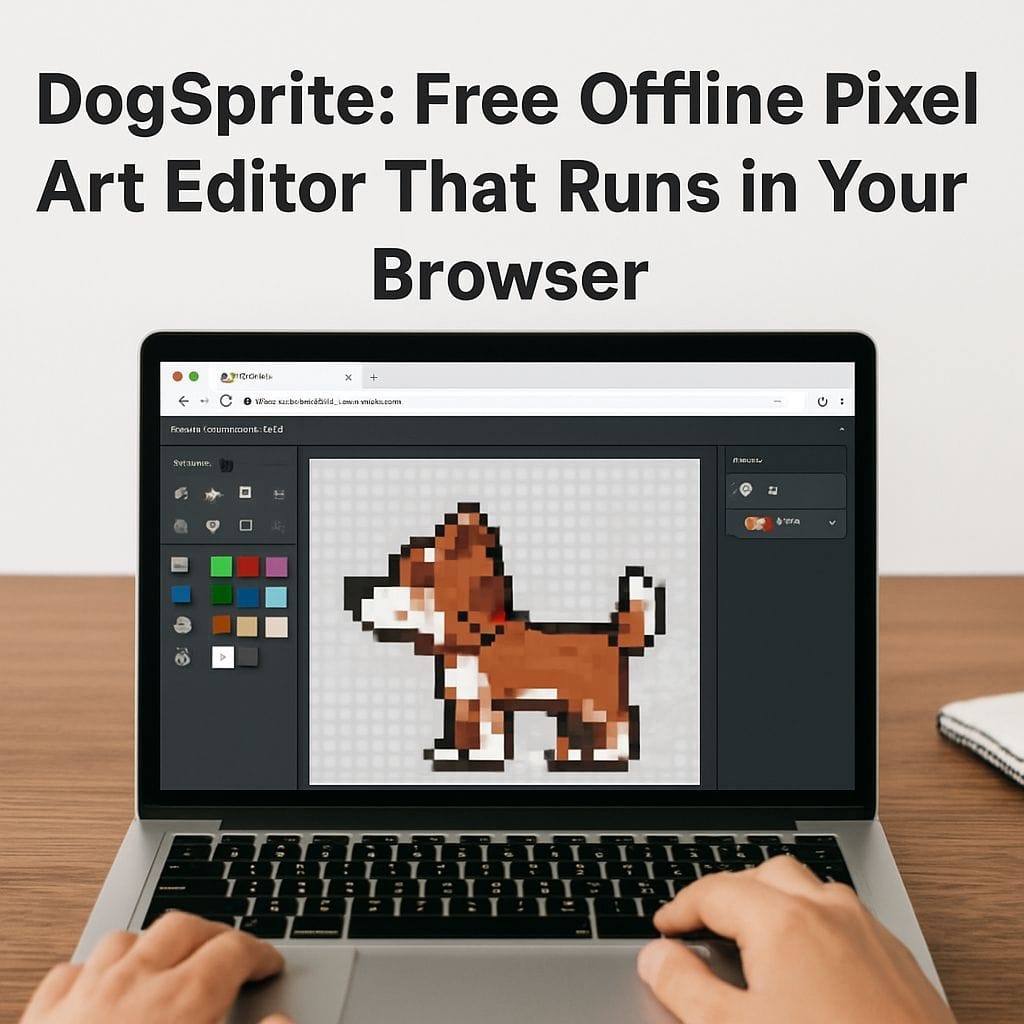
DogSprite is a free, browser-based pixel art editor that runs entirely in your browser and continues to work offline after the page has loaded. It is built for creators who want a lightweight, fast, and no-friction tool for making sprites, tiles, and simple animations without installing software or creating an account. You can open it by visiting https://dogsprite.org in any modern browser.
What makes DogSprite different
DogSprite focuses on simplicity, speed, and complete offline functionality. Unlike heavier desktop tools or cloud-first editors, DogSprite has almost zero dependencies and is designed to continue functioning when you do not have an internet connection. That makes it ideal for quick edits on the go, teaching, prototyping, and rapid iteration for game assets.
Key features
- Runs entirely in the browser with a single load and no server roundtrips for editing.
- Offline support so you can keep working after loading the app once.
- No login required and no user accounts to manage.
- Completely free with no paywalls or locked features.
- Lightweight and fast suitable for small screens and low-power devices.
- Animation presets to jumpstart character cycles and sprite sheets.
Animation presets and workflow
DogSprite includes ready-made animation presets for common sprite sizes and frame orders. These presets speed up character animation work such as idle loops, walking cycles, and attack frames. The editor also helps you export game-ready sprite sheets so you can drop them directly into engines or frameworks.
Designed for creators
DogSprite is useful to a wide range of users including game developers, indie studios, pixel artists, educators, and hobbyists. It is particularly helpful when you need a clean, focused editor without the distractions or complexity of larger graphics applications.
How it compares to alternatives
There are several other pixel art editors and game creation tools that work in browsers or provide offline modes. Tools like Piskel and some multiuser editors emphasize collaboration or cloud features. Other platforms such as Whimsy and microStudio offer browser-based game creation and offline capabilities after the first load. DogSprite differentiates itself by being single-purpose, minimal, and centered on pixel art and sprite animation while remaining completely free and simple to use.
Getting started tips
- Open https://dogsprite.org in your browser and allow the page to load fully before going offline.
- Try an animation preset to learn frame ordering and timing quickly.
- Export sprite sheets for use in engines like Unity, Godot, or custom HTML5 projects.
- Test auto-imported palettes by uploading small images to capture color sets you like, then refine manually.
Roadmap and feedback
The creator plans ongoing improvements focused on usability, performance, and additional export options. If you use DogSprite, your feedback is valuable for prioritizing features such as palette tools, tilemap support, and extended animation helpers. Visit the site to try it and share your suggestions.
Conclusion
DogSprite is a practical, free, and offline-capable pixel art editor that runs in your browser. It is ideal for fast sprite creation, teaching pixel art, and producing game-ready assets without installing software or signing up. To try it now, open https://dogsprite.org and start creating.


Leave a Reply