Overview
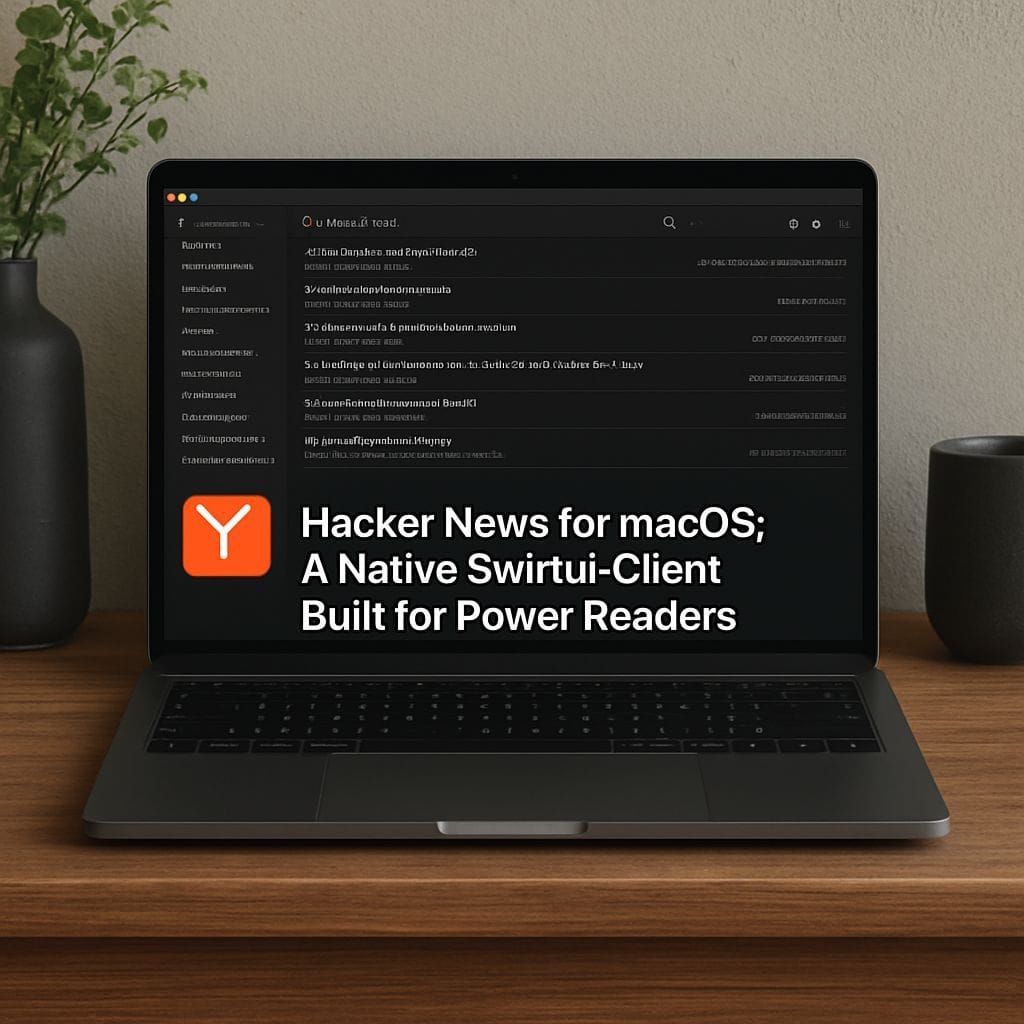
Hacker News for macOS is a native macOS client built with SwiftUI that delivers a fast, focused way to read Hacker News on desktop. Designed to match macOS conventions and performance expectations, this client aims to make browsing threads, reading comments, and managing stories simple and efficient for developers, founders, and tech enthusiasts.
Why a Native SwiftUI Client Matters
Using SwiftUI for a macOS Hacker News client offers several advantages over web wrappers. A native app integrates smoothly with system features such as window management, keyboard shortcuts, notifications, and Launch at Login. SwiftUI also enables modern, responsive UI components and better energy efficiency, which helps when you keep the app open for long reading sessions.
Key Features
- Native macOS look and feel with support for light and dark modes and system accessibility settings.
- Fast, responsive navigation between top stories, new posts, and comment threads optimized for keyboard and trackpad.
- Offline reading for previously loaded stories and comments to keep important threads available when you lose connectivity.
- Notifications and relevance for replies, mentions, or bookmarked threads so you never miss important updates.
- Window and app behavior that follows macOS conventions, such as bringing app windows to the front and managing multiple windows smoothly when switching between apps.
- Customizable filters and saved searches to surface the stories you care about, including score thresholds or keyword rules.
Installation and Setup
Installing a native macOS client is straightforward. After installing from a trusted source or the App Store, open the app and configure basic preferences such as:
- Start at Login if you want the app to launch automatically when you sign into your Mac.
- Notification preferences to control which alerts you receive.
- Reading preferences for font size and compact or relaxed layouts.
Keyboard Shortcuts and Power Use
One of the benefits of a native client is efficient keyboard navigation. Common shortcuts you can expect include moving between stories, opening comments, collapsing threads, and upvoting or flagging content. Power users will appreciate being able to quickly triage large feeds without reaching for the mouse.
Privacy and Security
Security is important when connecting to any online service. A well-designed macOS client should:
- Respect your login and token security and avoid storing credentials insecurely.
- Use secure network connections and follow best practices for data caching.
- Give you control over analytics, crash reporting, and third party integrations.
Tips and Best Practices
- Enable offline caching for long commutes or intermittent connections.
- Customize filters to reduce noise and surface high-signal threads relevant to your interests.
- Use Launch at Login sparingly if you prefer a clean workspace on startup.
- Leverage keyboard navigation to speed up reading and moderation tasks.
Conclusion
A native Hacker News client for macOS built with SwiftUI offers a compelling reading experience that respects macOS design patterns, improves performance, and integrates with system features like window management and notifications. Whether you are tracking startup news, engineering discussions, or deep technical threads, a dedicated macOS client can make Hacker News faster and more enjoyable to use.


Leave a Reply