Overview
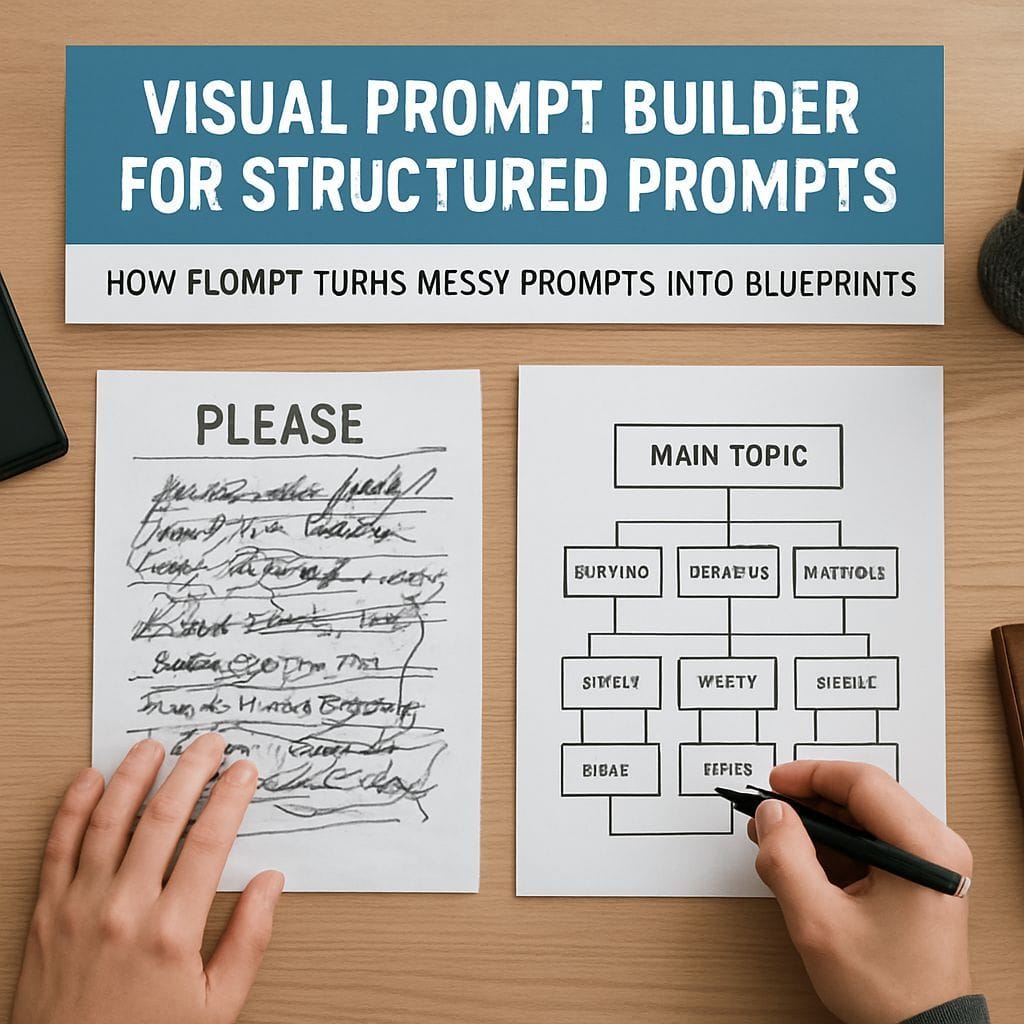
Prompt quality affects output reliability as much as model selection. Recent research from major AI labs highlights that a well-structured prompt on a smaller model can outperform a vague prompt on a larger one. Visual prompt builders address the common problem of “vibe prompting” by turning unstructured instructions into explicit, model-friendly blueprints. Flompt is an example of a visual tool that decomposes prompts into discrete semantic blocks, compiles them for specific models, and integrates into common workflows.
Link: https://flompt.dev
Open-source: github.com/Nyrok/flompt
Why Prompt Structure Matters
Structure converts intentions into actionable guidance for models. When prompts include clear role, context, objective, constraints, and output format, the model can follow predictable patterns and produce consistent results. Multiple community and lab resources emphasize that prompt structure functions as a scaffold for reasoning. Poorly specified prompts introduce ambiguity that often leads to generic, low-value outputs regardless of the underlying model.
How a Visual Prompt Builder Works
A visual prompt builder decomposes a single block of text into labeled components that correspond to semantic functions. Users place components onto a canvas, connect them to express relationships, edit content for each block, and compile the assembled blueprint into a final prompt format optimized for the target model. This process transforms informal requests into precise, testable instructions, enabling more reliable outputs and easier iteration.
12 Semantic Blocks That Form a Prompt Blueprint
- Role: Defines the persona or expertise the model should adopt.
- Audience: Identifies the intended reader or consumer of the output.
- Context: Supplies background information or situational details.
- Objective: States the primary task the model must complete.
- Goal: Establishes success criteria and measurable outcomes.
- Input: Lists data, documents, or variables provided to the model.
- Constraints: Sets rules, limits, or forbidden content.
- Examples: Offers few-shot demonstrations or sample outputs.
- Chain of Thought: Provides reasoning instructions or stepwise approaches.
- Output Format: Specifies the structure, headings, or data format required.
- Response Style: Prescribes tone, verbosity, and formatting details.
- Language: Declares the output language and localization needs.
Three Common Usage Modes
- Web Application: A full visual editor enables prompt decomposition, block editing, and compilation into a model-optimized format. Users paste messy prompts, decompose them into the 12 blocks, adjust content, and compile the final prompt for copy and use.
- Browser Extension: A sidebar or injected Enhance button integrates with chat interfaces. This feature allows visual structuring without switching tabs. The compiled prompt can be injected back into the chat input, streamlining the editing and testing loop.
- Programmatic Integration: An MCP or agent integration lets automated systems call decompose_prompt and compile_prompt functions. This enables prompt engineering to be embedded within agentic workflows and pipelines, improving reproducibility and scaling across applications.
Technical Considerations and Stack
Visual prompt builders commonly rely on modern frontend frameworks and graph libraries to create an interactive canvas. Typical components include a reactive UI, a typed codebase for maintainability, and a compiler that emits model-specific formats such as XML or structured JSON. A robust backend supports persistence, templates, and integrations with third-party agent frameworks.
Practical Benefits and Best Practices
Turning prompts into structured blueprints improves clarity, reproducibility, and testing. Best practices include starting from minimal working templates, iterating with examples, and specifying explicit success criteria. Embedding constraints and output format early reduces the need for follow-up prompts and postprocessing. For teams, shared templates and visual flows act as documentation and training aids.
Conclusion
Visual prompt builders offer a practical path from messy, vibe-driven prompts to predictable, high-quality outputs. By decomposing prompts into semantic blocks, compiling them for a target model, and integrating into web, extension, or programmatic workflows, the approach reduces ambiguity and raises the baseline reliability of AI interactions. Adoption of structured prompt patterns can accelerate reliable deployment of language model capabilities across product, content, and agent workflows.


Leave a Reply