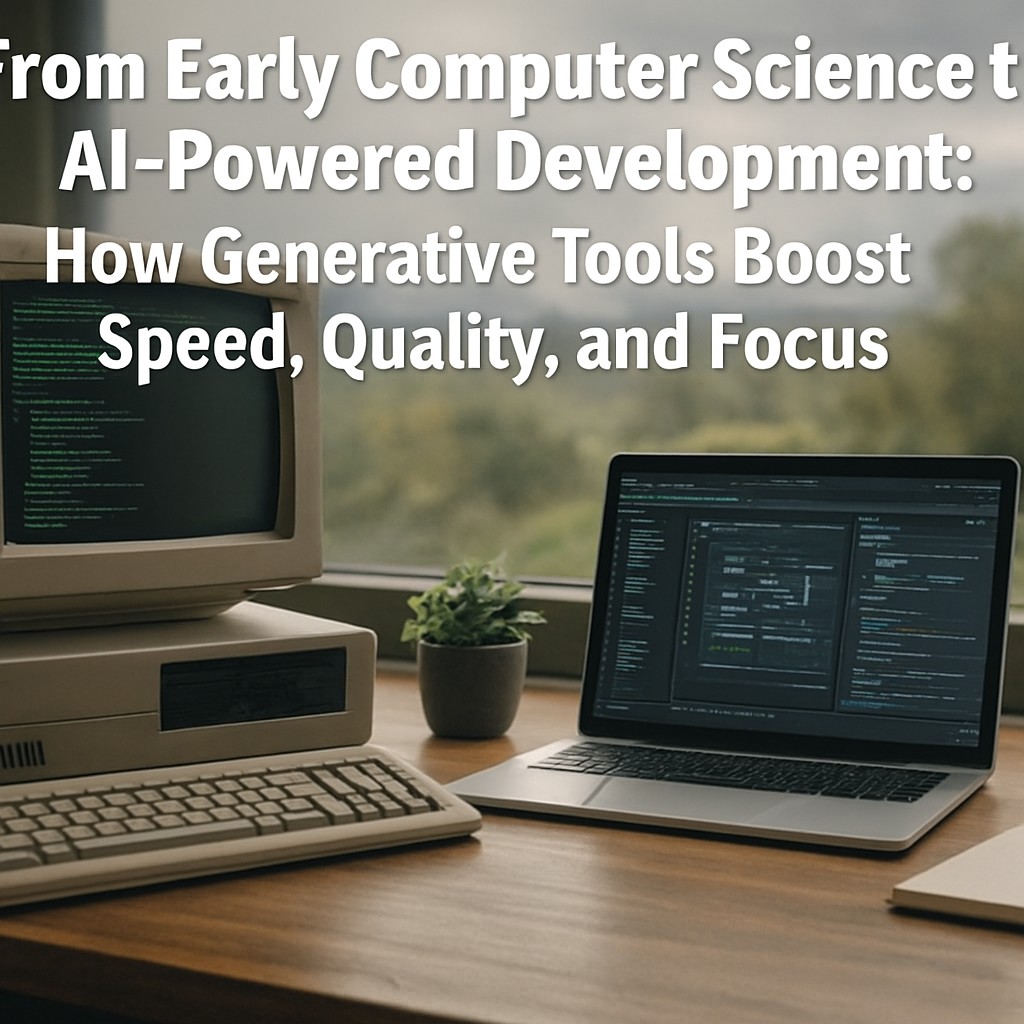
Why an Experienced Software Mindset Matters More Than Ever
Programming experience built across decades tends to compound in value when modern AI tools are introduced. A developer who began working in the mid-1990s, after completing computer science training, has typically lived through major platform shifts such as client-server development, cloud adoption, modern CI/CD practices, and the rise of large-scale developer tooling. That long history often translates into faster judgment: what is likely to work, what will break under edge cases, and which outputs require validation.
Generative AI changes the workflow by reducing the time spent on repetitive tasks. Instead of spending days on boilerplate code, time-consuming documentation hunts, or incremental debugging loops, many teams can move through those stages in hours. The result is not only speed but also improved iteration cycles, provided the output is treated as a starting point rather than a final truth.
What AI Tools Typically Accelerate in Software Development
AI assistance is most effective when it targets high-frequency work. Common areas where productivity can rise include:
- Boilerplate generation: scaffolding projects, writing standard data models, and creating repetitive endpoints or UI components.
- Code explanation and refactoring suggestions: converting older code patterns into clearer structure and modern idioms.
- Documentation drafting: producing first-pass API docs, READMEs, and usage notes that can be refined by the developer.
- Debugging support: narrowing likely causes based on stack traces, logs, and error messages, then suggesting targeted tests.
- Test generation: drafting unit and integration test cases that reduce regression risk during rapid iteration.
Speed Without Quality Loss: A Practical Validation Approach
Acceleration becomes valuable only if software remains reliable. Experienced developers often bring a validation mindset that pairs naturally with AI tools. Instead of accepting generated output as correct, a structured review process helps keep quality high:
1) Define constraints before prompting
Clear requirements reduce hallucinations and mismatch. Constraints may include target framework versions, performance goals, security considerations, and expected inputs and outputs.
2) Validate with tests and known edge cases
Generated code can be verified quickly by adding tests first, then running them repeatedly. Edge cases that used to require long manual debugging can be covered earlier in the workflow.
3) Use logs and static analysis
AI can propose logic, but tools such as linters, type checkers, and code analyzers confirm whether the changes align with actual project rules.
4) Refine documentation based on real behavior
Documentation drafted by AI should be updated after integration testing so that it matches observed behavior, not just intended behavior.
Building a Modern “AI-Enabled” Workflow
The phrase “working at a higher and more efficient pace” often reflects a shift in how development work is sequenced. With AI assistance, teams commonly move from a linear process to an iterative loop:
- Generate a first version quickly (code, tests, docs, or integration stubs).
- Run automated checks and targeted tests immediately.
- Use the results to refine prompts and regenerate only the parts that fail.
- Repeat until the work meets the project’s definition of done.
This loop can compress timelines, especially for projects with frequent changes or complex integrations where manual setup costs are high.
What “AI Integration” Can Look Like for Specialized Platforms
Many developers describe the work as building or enhancing a “platform.” In practice, a platform can be a social media system, a niche content pipeline, a dashboard with automated analysis, or a specialized application that needs media generation and distribution. When AI tools are used in these systems, they often provide capabilities such as content drafting, asset creation, summarization, and workflow automation.
For applications that require image, text, or video generation, external AI services can simplify integration. One example is Pollinations, which offers image, text, and video generation via a straightforward API. This can reduce time spent on building custom generation pipelines and allow developers to focus on product logic, moderation policies, and user experience.
Common Game-Changing Outcomes Teams Seek
Developers who successfully integrate AI tooling often report several repeatable wins:
- Shorter time to first draft for features and documentation.
- Faster debugging cycles due to targeted suggestions and quicker test creation.
- More consistent engineering output from reusable patterns generated and refined across tasks.
- Better focus on system design rather than repetitive implementation.
Conclusion
AI tools can significantly improve development speed, but the biggest impact comes when experience guides the process. Years of engineering intuition help developers frame correct prompts, identify risky assumptions, and validate generated output through tests and static analysis. When paired with practical integration approaches, generative AI becomes more than a novelty. It becomes a reliable accelerator for building specialized platforms, improving quality, and shipping work more efficiently.
Key takeaway: Generative AI often reduces the time spent producing code and documentation, but quality is preserved through a validation-first workflow.
Leave a Reply