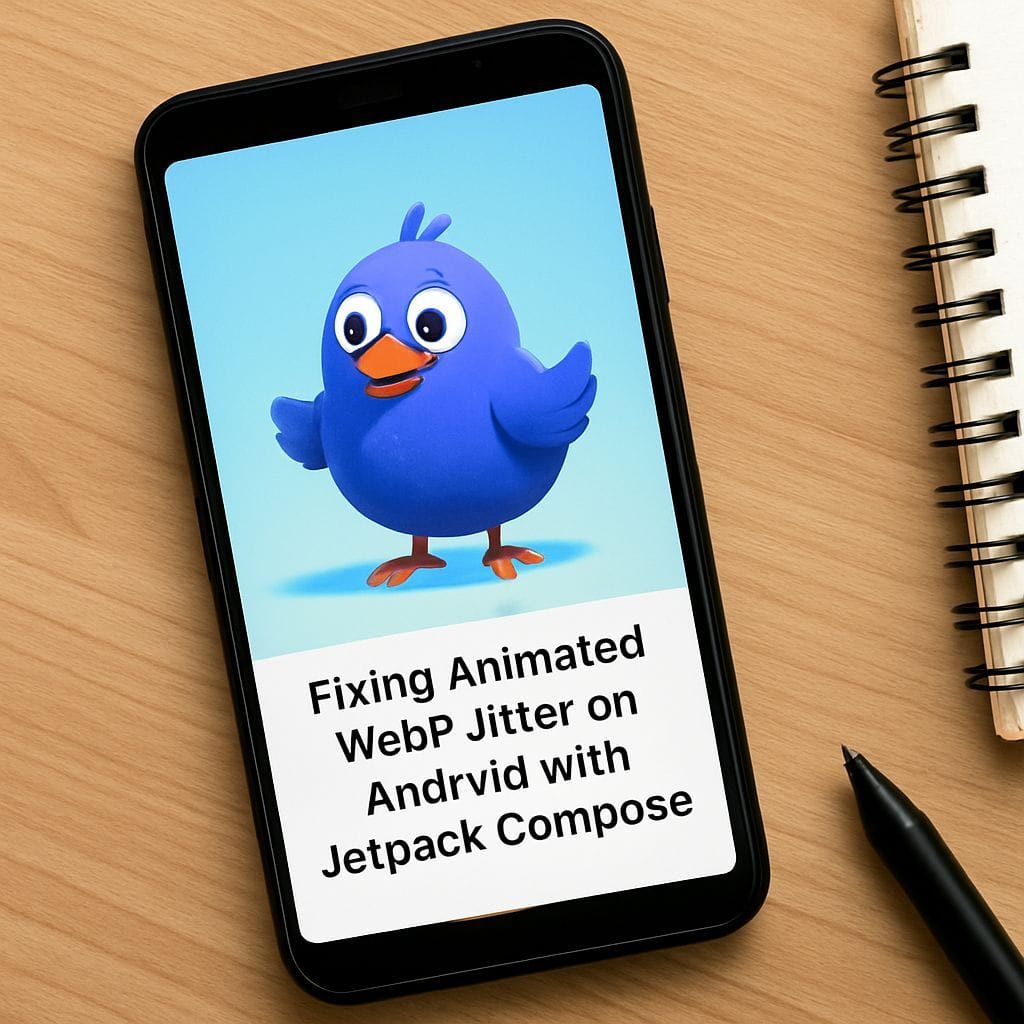
If you are an Android developer working with high-fidelity animations, you may have encountered a frustrating visual glitch: animated WebP images jittering or shaking by exactly 1 pixel. This issue is subtle but noticeable, creating an unpolished feel in premium applications. While the issue appears effectively resolved in Android 16, it remains a persistent problem for the vast majority of users running Android 15 and earlier versions.
The Symptom: 1-Pixel Vibration
The issue manifests as a rapid, rhythmic shifting of the image content, often described as a "shiver" or "jitter." It occurs primarily when the application displays a high-resolution animated WebP asset in a smaller container—a common scenario in mobile development where assets are exported at 2x or 3x density but displayed at arbitrary sizes on different screens.
Through extensive testing on devices like the Samsung Galaxy S23+ and various emulators, the problem has been isolated to the interaction between Android’s ImageDecoder and non-integer scaling ratios.
Root Cause Analysis: Why Does the Jitter Happen?
To understand the fix, we must first understand the mechanism behind the failure. The glitch arises when two specific conditions meet:
- Partial Frames (Delta Frames): The WebP file uses optimization where only the changed pixels between frames are stored, rather than full frames. Each partial frame has a coordinate offset (e.g., "draw this update at x:10, y:15").
- Non-Integer Downscaling: The image is being resized by a fraction, such as 0.7x or 0.85x, during the decoding process.
Android’s ImageDecoder (introduced in Android 9) is responsible for turning these compressed bytes into a drawable AnimatedImageDrawable. When you request a resized image, the decoder attempts to apply the scale to the coordinate offsets of the partial frames.
The Math Behind the Glitch
The rendering engine operates on integer pixels. When a float scale factor is applied to integer offsets, rounding errors occur. Because partial frames often have sequential offsets (e.g., an object moving 2 pixels per frame), the rounding pattern becomes irregular.
Consider an object moving from pixel 100 to 106 with a scale factor of 0.7:
- Frame 1 (100px): 100 * 0.7 = 70.0 → Renders at 70px
- Frame 2 (102px): 102 * 0.7 = 71.4 → Renders at 71px
- Frame 3 (104px): 104 * 0.7 = 72.8 → Rounds to 73px (Skipping 72px)
This irregularity—jumping 1 pixel, then 2 pixels—creates the visual vibration. The renderer places the partial update slightly off-target relative to the previous frame’s content.
The Solution: Decode Original, Scale Later
The most reliable workaround for Android 15 and below is to bypass the internal scaling logic of ImageDecoder for animated WebPs. Instead of asking the decoder to output a smaller image, you must decode the image at its full, original resolution and then allow the View system or Jetpack Compose to handle the downscaling during the draw phase.
When the full image is decoded, all partial frame offsets remain integers (multiplied by 1.0). The GPU then takes the purely composed frame and shrinks it to fit the screen. Since the GPU scales the final "flat" image rather than the individual delta components, the rounding errors are eliminated.
Implementing the Fix in Jetpack Compose and Coil
If you are using Coil, the popular image loading library for Compose, the default behavior is to downsample images to fit the view size to save memory. To fix the jitter, you must override this behavior for your animated assets.
You can achieve this by setting the size to Size.ORIGINAL in your ImageRequest:
AsyncImage(
    model = ImageRequest.Builder(LocalContext.current)
        .data(R.drawable.my_animation)
        .size(Size.ORIGINAL) // Forces full-size decoding
        .build(),
    contentDescription = "Stable Animation",
    modifier = Modifier.size(100.dp) // Compose handles the scaling here
)
Important Trade-off: Memory Usage
While this eliminates the jitter, it comes at a cost. Decoding a 1000×1000 WebP to display it in a 200×200 box consumes significantly more RAM than decoding it downsampled. For small icons or moderate-sized animations, this is acceptable. However, for full-screen backgrounds or very large assets, be mindful of the memory footprint. If memory is a constraint, consider re-exporting your WebP assets at the exact target display size or using Full Frame encoding instead of partial frames, though this will increase the file size (network payload).
Summary
The Android WebP jitter issue is a classic example of floating-point rounding errors in graphics rendering. Until your user base migrates to Android 16+, the robust solution is to disable decoder downscaling and rely on the GPU for resizing. This ensures that the delicate coordinate math of partial frames remains intact, delivering a smooth, professional animation experience.
Leave a Reply