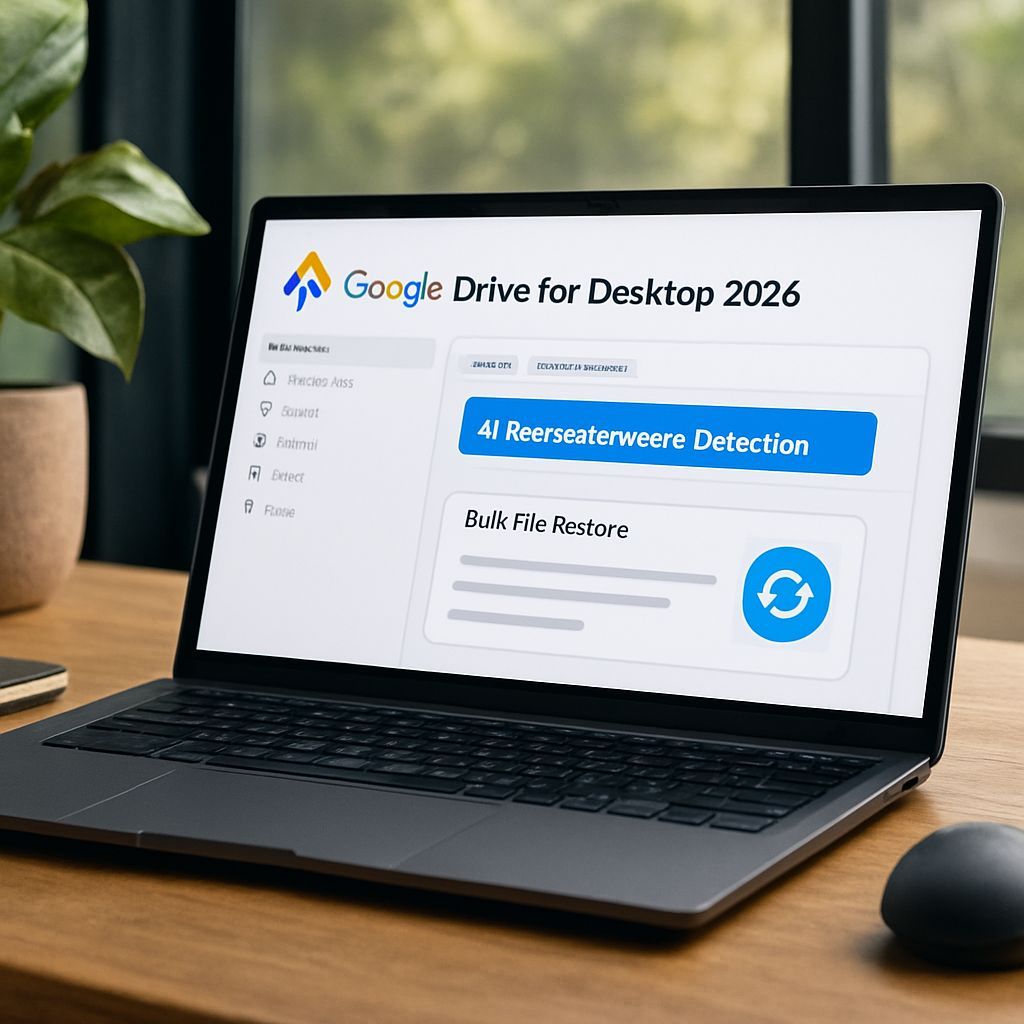
Google Drive for desktop now includes stronger protections designed to stop ransomware from damaging cloud backups and to speed up recovery when files are already compromised. The update focuses on two complementary capabilities: AI-powered ransomware detection during synchronization and a bulk restoration workflow that can roll back content to a safer point in time.
Why ransomware protection matters for desktop sync
Ransomware typically encrypts local files and then spreads through shared drives and synced folders. When a desktop sync client keeps uploading changes, encrypted versions can be overwritten in cloud storage, making recovery more complex. Google’s 2026 enhancements aim to interrupt that chain by detecting suspicious behavior early and preserving clean versions in the cloud for later rollback.
AI-powered ransomware detection during file sync
Ransomware detection works in real time as files are processed for synchronization. Instead of waiting for a post-incident scan, the system monitors files during sync activity and looks for patterns consistent with encryption-based attacks.
How detection works
- AI scanning during synchronization: As files are synced to Google Drive, an AI model checks for signs consistent with ransomware behavior.
- Sync auto-pause on detection: When suspicious activity is identified, syncing can automatically pause to reduce the risk of uploading encrypted versions over existing backups.
- Improved detection performance: The detection model was updated to identify significantly more infections than earlier beta approaches, improving speed and coverage.
What users and administrators see
When ransomware-related signals are found, users receive immediate notifications and alerts. Administrators can also receive security events through Google Workspace tooling, typically surfaced in the organization’s Admin console security capabilities.
Operational note: Full alerting experiences may depend on the installed version of Drive for desktop. For business and enterprise environments, newer client versions can improve how clearly and consistently notifications are delivered.
Bulk restoration: rolling back an entire drive or folder
If ransomware still manages to compromise local files, Google’s restoration feature is designed to recover clean versions from Drive. Rather than limiting recovery to single files, the approach supports bulk restoration, allowing entire folders or drives to be reverted.
What restoration can undo
- Preservation of previous unencrypted versions: Clean versions stored in Drive can remain available for rollback.
- Time-based rollback: Recovery is performed by selecting a point in time before the suspected attack window.
- Coverage of recent changes: Restorations can target modifications within a defined recent period (a 25-day window).
- Support across Drive locations: Restoration can apply to content in personal and shared spaces, including My Drive, “Shared with me,” and internal or external shared drives.
How to use it effectively
After suspicious behavior is identified, the recovery flow guides the selection of a rollback moment. Once a safe point is selected, changes after that moment can be reverted in bulk. This reduces operational burden compared to manual cleanup and rebuilding from individual file downloads.
Best practice: Act as soon as alerts appear. The earlier the rollback, the smaller the set of changes that must be undone, and the easier it is to validate that recovered content is clean.
Availability and admin controls
Ransomware detection and restoration are not uniform across all Google accounts and plans, but the overall direction is consistent: detection aims to prevent cloud backup poisoning, and restoration enables rapid recovery.
Typical availability patterns
- Ransomware detection: Generally targeted for Business and Enterprise Google Workspace plans and enabled by default there. Admins can manage the setting in the Drive and Docs security-related configuration area.
- File restoration: More broadly available across Google Workspace customers and personal subscribers, including personal accounts, depending on account and configuration.
Key benefits of the two-layer approach
- Early intervention: Detecting encryption patterns during sync helps prevent contaminated versions from replacing clean ones in the cloud.
- Faster recovery: Bulk rollback reduces time spent on manual restoration and file-by-file reconstruction.
- Reduced ransom pressure: When clean versions are available for rollback, paying attackers becomes less necessary.
What organizations should do now
For business and enterprise users, the main actions are practical: ensure Drive for desktop is updated to a compatible version for richer alerting behavior and confirm that admin settings for malware and ransomware protections are enabled. For all users, maintaining rapid response procedures for ransomware alerts helps maximize the benefit of detection and restoration.
With AI-based detection pausing risky sync activity and bulk restoration turning back the clock on recent changes, Google Drive for desktop provides a more resilient recovery path against ransomware incidents.
Leave a Reply